
Your phone unlocks when it sees your face, your doorbell tells you a person is at the door rather than a passing cat, and your earbuds cancel noise before you even notice it. None of these moments waits for a distant data center to answer. The intelligence lives right there, inside the device in your hand, on your wall, or in your ear. That is edge AI: artificial intelligence that runs where the data is created, at the “edge” of the network, instead of sending everything to the cloud first.
Edge AI is easy to misunderstand because the name sounds like jargon. Think of it this way. Traditional cloud AI is like phoning an expert every time you have a question: powerful, but slow, and useless when the signal drops. Edge AI is like having a trained assistant standing next to you: less all-knowing, but instant, private, and always available. The two approaches are not rivals. They are partners, and knowing which one fits a task is one of the most useful skills in modern technology.
This guide explains edge AI in plain language. You will learn what it is, how it actually works inside a device, what hardware and software make it possible, where you already meet it every day, what it is good at, where it struggles, and how you can start experimenting with it yourself. No engineering degree is required, only curiosity.
What Edge AI Actually Means
Edge AI means running an AI model on a local device — a phone, a camera, a robot, a sensor, a car — rather than on a remote server. The word “edge” refers to the edge of the network: the place where the physical world meets the digital one, where cameras see, microphones listen, and sensors measure. Instead of shipping raw data across the internet for processing, the device processes it on the spot and acts on the result immediately.
A helpful distinction is between training and inference. Training is how a model learns, and it usually happens on powerful cloud computers chewing through huge datasets. Inference is how a trained model is used: given new input, it produces an answer. Edge AI is almost entirely about inference. The heavy learning happens elsewhere, and the finished, compressed model is shipped to the device, where it answers questions locally, thousands of times a day, without phoning home.
That distinction explains why edge AI feels different from the chatbots most people know. A chatbot in the cloud can be enormous, with hundreds of billions of parameters, because it runs on warehouse-scale hardware. An edge model must be small and efficient, because it runs on a chip that also has to manage battery life, heat, and cost. Edge models trade raw breadth for speed, privacy, and reliability, and for the tasks they are built for, that trade is a clear win.
It also helps to separate edge AI from two nearby ideas. The Internet of Things is about connected devices collecting data; edge AI is about those devices understanding data. Local AI, as in running a chatbot on your own computer, is a cousin of edge AI, but edge AI usually means smaller, purpose-built devices doing one job well, rather than a general-purpose computer running a large model. The boundaries blur, and that is fine. What matters is the principle: intelligence close to the action. The wider field behind this idea is edge computing, and IBM’s overview of edge computing is a useful next read on how edge systems relate to the cloud.
How Edge AI Works, Step by Step
Every edge AI system follows the same basic loop, whether it is a doorbell camera or a factory robot. Understanding this loop demystifies the whole field.
First, the device senses. A camera captures frames, a microphone records sound, an accelerometer measures vibration, a temperature sensor reads heat. Raw sensor data is messy and continuous, so the second step is preprocessing: the device cleans the data, resizes images, filters noise, or converts sound into a form the model can read. This step is unglamorous but crucial, because a model is only as good as the input it receives.
Third comes inference, the heart of the system. The preprocessed input is fed to the model, a compact neural network stored on the device, which produces an output: a label (“person detected”), a bounding box around an object, a transcription of speech, or a prediction (“this machine bearing will fail within a week”). This happens on a specialized chip, often in milliseconds, and the model never leaves the device.
Fourth, the device acts. Depending on the application, it might send an alert, record a clip, adjust a machine, display a translation, or simply do nothing because nothing interesting happened. The key insight is that most of the time, nothing interesting happens, and the device quietly discards the data. Only the meaningful result — a short alert, a count, a decision — travels anywhere, if it travels at all.
Finally, there is a feedback path. Some systems send occasional summaries or difficult examples back to the cloud, where they help improve the next version of the model, which is then shipped back to devices as an update. This loop lets edge systems improve over time without ever sending your raw video, audio, or sensor data to a server. Privacy and progress can coexist when the architecture is designed for it.
The Hardware That Makes It Possible
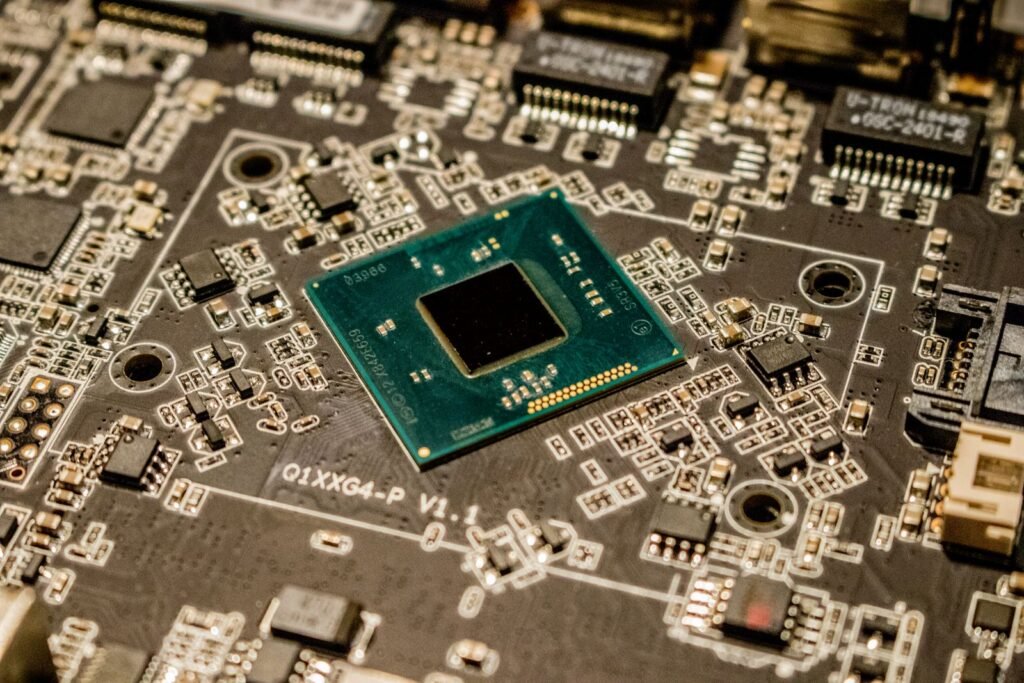
Edge AI became practical because chips got dramatically better at AI math while using very little power. Three kinds of hardware do most of the work.
The first is the neural processing unit, or NPU, a part of the chip designed specifically for the matrix multiplications that neural networks perform. Modern phones, laptops, and even some single-board computers now include NPUs, and they run AI models far more efficiently than a general-purpose processor could. When your phone recognizes your face in a fraction of a second without getting warm, an NPU is usually doing the work.
The second is the graphics processing unit, or GPU, which was originally built for games but turns out to be excellent at AI because it performs many calculations in parallel. Larger edge devices, such as autonomous vehicles and industrial computers, often carry GPUs, and development boards pair small GPUs with capable processors for prototyping. GPUs are more power-hungry than NPUs, but they are flexible and widely supported.
The third is the specialized accelerator: chips built for a single job, such as Google’s Coral tensor processing units or dedicated vision processors in cameras. These are the most efficient of all for their specific task, at the cost of flexibility. A camera chip that detects people brilliantly cannot suddenly run a language model, but for a product that does one thing millions of times, that specialization is exactly right.
Beyond the processor, memory and power matter enormously. Edge devices often have limited memory, so models must be compressed through techniques like quantization, which stores the model’s numbers with fewer bits, and pruning, which removes parts of the model that contribute little. A model that needed gigabytes in the cloud might need only a few megabytes on the edge, with a small, acceptable loss in accuracy. Power is the other hard constraint: a battery-powered sensor cannot burn watts the way a server can, so every design decision balances capability against energy.
The Software Side: Small Models, Smart Frameworks
Hardware alone does not make edge AI work. The software stack — the frameworks and tools that shrink, convert, and run models on devices — is equally important, and it has matured rapidly.
The journey usually starts with a model trained in a standard framework such as TensorFlow or PyTorch. That model is then converted and optimized for the edge: quantized to smaller number formats, pruned of unnecessary parts, and compiled for the specific chip it will run on. Tools like TensorFlow Lite, ONNX Runtime, and vendor-specific compilers handle this conversion, and the quality of the tooling is often what separates a smooth project from a frustrating one.
On the device, a lightweight runtime executes the model. These runtimes are deliberately small and fast, skipping the training features of their full-size parents and focusing purely on inference. They also handle practical details: managing memory, scheduling work across the processor and accelerator, and updating models safely when a new version arrives. For developers, the good news is that much of this complexity is hidden behind familiar programming interfaces, so building an edge AI feature increasingly resembles building any other app feature.
A growing trend is running smaller language models on the edge as well. Techniques developed for local large language models, such as aggressive quantization, transfer directly to edge devices, and compact models can now answer questions, summarize text, and follow instructions on phones and laptops without a cloud connection. The models are not as capable as their giant cloud cousins, but for focused tasks — drafting, translation, summarization, voice commands — they are already genuinely useful, and they improve with every generation.
Where Edge AI Is Used Every Day
Edge AI is already woven into daily life, often invisibly, which is precisely the point. The best edge AI is the kind you never notice.
Smartphones are the most familiar example. Face unlock, photo organization, live translation, voice assistants that respond to a wake word, and computational photography all run substantially on the device. That is why they work on airplanes and why your photos are not uploaded for every edit. The phone is the edge device most people carry, and its AI capabilities grow with every generation.
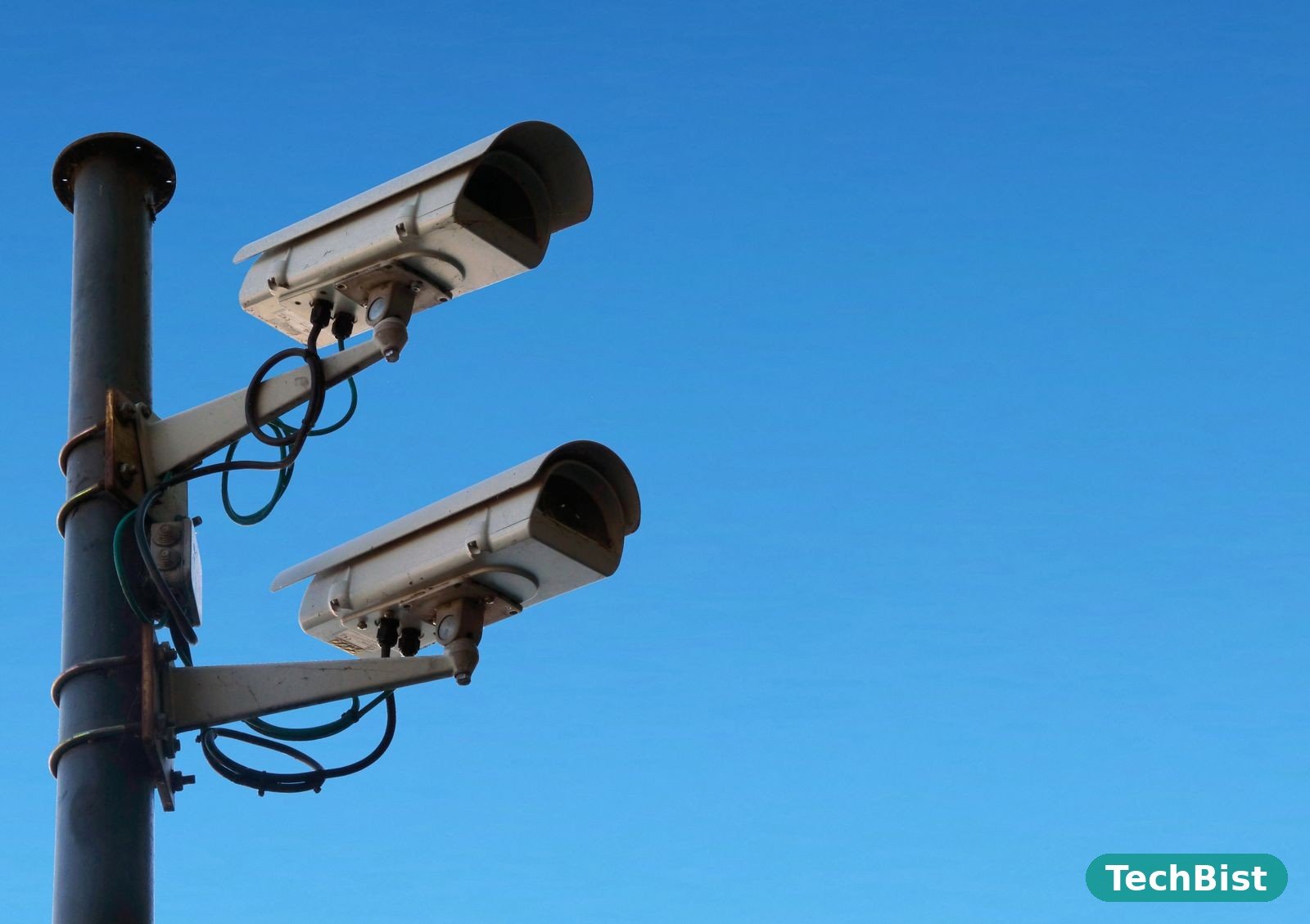
Smart cameras and doorbells are the second great example. A modern security camera does not stream hours of empty footage to the cloud; it watches locally, and only alerts you when it sees a person, a package, or an animal, depending on your settings. This saves bandwidth, protects privacy, and keeps working even if the internet stutters, because the decision happens in the camera itself.
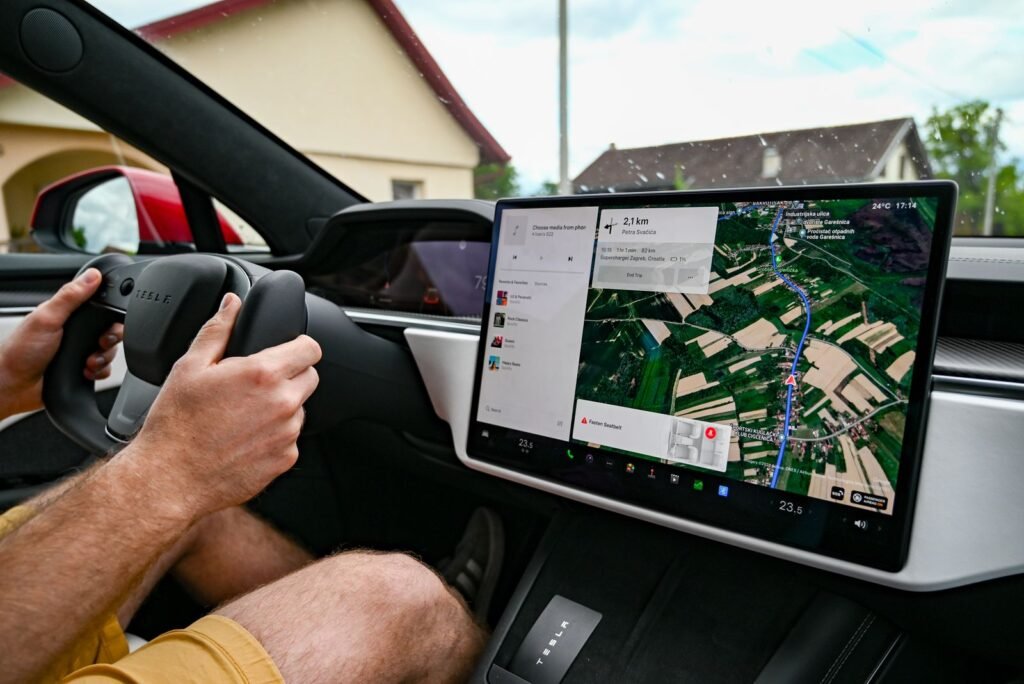
Vehicles are a larger, more safety-critical case. Driver-assistance systems detect lane markings, pedestrians, and other vehicles in real time, and they must do so with latencies measured in milliseconds, far faster than any round trip to the cloud could guarantee. Self-driving systems extend this to full scene understanding, and the requirement is absolute: a car cannot wait for a server to decide whether to brake.
Industry and healthcare show the quieter, high-value side. Factories use vibration and vision sensors to predict machine failures before they happen, catching problems while they are still cheap to fix. Hospitals use on-device analysis for imaging and monitoring where patient privacy rules out sending data to external servers. Farms use cameras and sensors to spot crop disease early. In each case, the pattern is the same: sense locally, decide locally, act immediately.
The Benefits of Edge AI
Edge AI’s advantages cluster around five benefits, and different applications care about different ones.
Latency is the most obvious. Decisions that need to happen in milliseconds — braking, stopping a machine, recognizing a voice command — cannot tolerate network round trips. Local inference answers in single-digit milliseconds, while cloud round trips, even on good connections, take tens or hundreds of milliseconds, and far longer on poor ones. For real-time systems, local is not just better; it is the only option.
Privacy is the second, and increasingly the most valued. When data never leaves the device, it cannot be intercepted, leaked, or misused in transit or on a server. A camera that only sends “person detected” reveals far less than one that streams video. For homes, hospitals, and workplaces, this architectural privacy is more trustworthy than any promise about data handling, because it does not depend on trusting a provider’s policies.
Reliability is the third. Edge systems keep working when connectivity fails, which matters for cars, medical devices, remote sensors, and anywhere the network is unreliable. A factory in a rural area or a ship at sea cannot depend on a constant connection, but a local model keeps deciding regardless.
Bandwidth and cost form the fourth benefit. Streaming raw video or sensor data continuously is expensive in both network charges and cloud computing. Processing locally and sending only results — a few bytes instead of gigabytes — slashes both bills, and it scales: a thousand cameras sending alerts is affordable, while a thousand cameras streaming video is not.
Finally, there is a subtle benefit: responsiveness to context. A local system can adapt to its environment instantly, using on-device sensors without waiting for permission or configuration from afar. That autonomy makes products feel smarter, because they react like a thoughtful local helper rather than a distant service.
The Limits and Trade-Offs
Edge AI is not magic, and honest coverage requires its limits. The first is capability. Edge models are smaller than cloud models, so they know less and reason less deeply. A doorbell camera can tell a person from a package, but it cannot explain philosophy. Matching the model to the task, and knowing when to hand off to the cloud, is the central design skill in edge AI.
The second limit is updates and management. A cloud model can be improved for every user instantly. An edge model must be shipped to thousands or millions of devices, some offline, some old, some with limited storage. Fleet management — tracking which devices run which model version, rolling out updates safely, rolling back when an update misbehaves — is a genuine engineering discipline, and it is where many edge projects stumble.
Power and heat are the third constraint. Even efficient chips generate heat and drain batteries, and a device that must run for months on a battery cannot run a large model continuously. Designers manage this with duty cycles, waking the model only when a cheap sensor detects something interesting, and with ultra-low-power modes. The art is in deciding what deserves full attention and what can be ignored.
Security cuts both ways. Keeping data local improves privacy, but a device in the physical world can be stolen, tampered with, or probed in ways a guarded data center cannot. Edge devices need secure boot, encrypted models, and tamper resistance, especially when they guard homes or control machinery. Privacy and security are related but not identical, and edge AI must handle both.
Finally, there is cost and complexity in development. Building for many different chips, each with its own quirks, is harder than building for one cloud platform. Tooling has improved enormously, but edge projects still demand more hardware awareness than cloud projects. For simple applications, the cloud remains easier. Edge AI earns its complexity when latency, privacy, reliability, or bandwidth genuinely require it.
Edge AI and the Cloud, Working Together
The most important mental model is not edge versus cloud, but edge and cloud as a team. In a well-designed system, each does what it does best.
A typical pattern is local filtering with cloud refinement. A camera detects a person locally and sends a short clip to the cloud only when something happens, where a larger model identifies details or archives the event. A voice assistant recognizes its wake word locally, then sends your question to the cloud for a full answer. A factory sensor flags anomalies locally, and engineers review aggregated data in the cloud to spot trends across machines.
Another pattern is cloud training with edge deployment. Models learn from large datasets in the cloud, then ship to devices in compressed form. When devices encounter difficult cases, they can send back anonymized, summarized examples — not raw personal data — to improve the next model version. This division of labor gives edge systems the intelligence of the cloud’s training with the responsiveness of local execution.
The practical question for any project is therefore not “edge or cloud?” but “which parts belong where?” Anything that must be instant, private, or offline belongs on the edge. Anything that needs enormous knowledge, heavy computation, or global coordination belongs in the cloud. The best systems split the work thoughtfully, and the split can change as hardware improves and models shrink.
How to Start With Edge AI
If this guide has sparked an interest, the barrier to entry is lower than it has ever been, and a first project can cost less than a dinner out.
The easiest start is your own phone. Modern phones include development tools for on-device machine learning, and tutorials walk you through adding image classification or text features to a simple app. You will learn the core loop — sense, preprocess, infer, act — without buying any hardware, and the skills transfer directly to dedicated devices.
The next step is a small development board. A Raspberry Pi, optionally paired with an AI accelerator, is the classic learning platform: affordable, well documented, and supported by a huge community. You can build a camera that recognizes objects, a voice-controlled assistant, or a sensor that classifies sounds, and you will encounter the real constraints — memory, power, model size — in a forgiving setting.
For software, start with a framework that matches your comfort level. TensorFlow Lite and ONNX Runtime are the workhorses for deploying models to devices, and both have beginner-friendly guides. If you prefer Python, libraries for computer vision and audio make it easy to prototype before optimizing. If you prefer tiny hardware, the TinyML ecosystem, built around microcontrollers, teaches the extreme end of efficiency, where models run on chips smaller than a coin.
Whatever path you choose, pick a small, concrete project with a visible result: a camera that counts people, a device that recognizes your voice, a sensor that sorts sounds. Edge AI rewards builders who start small, because each working project teaches the constraints that make the next one better, and the field rewards practical experience more than theory alone.
Edge AI is not a distant future. It is already in your pocket, on your doorstep, and in your car, quietly making decisions in milliseconds without asking a server. As models shrink and chips improve, more intelligence will move to the edge, and more products will feel instant, private, and dependable. Understanding how it works today puts you ahead of that curve, whether you are choosing products, building projects, or simply curious about the invisible intelligence around you.
For related setup help, see our guide on GPU VRAM Requirements for Local LLMs on TechBist, browse the full collection in the Edge AI & AI Infrastructure category, and visit our blog for the latest explainers.
Frequently Asked Questions
What is edge AI in simple terms?
Edge AI is artificial intelligence that runs directly on a device, like a phone, camera, or car, instead of sending data to a remote cloud server for processing. The device senses its surroundings, runs a compact AI model locally, and acts on the result immediately, which makes it fast, private, and reliable even without an internet connection.
How is edge AI different from cloud AI?
Cloud AI runs large models on powerful remote servers, while edge AI runs smaller, optimized models on local devices. Cloud AI is more powerful and easier to update, but it needs connectivity and adds delay. Edge AI is faster, more private, and works offline, but its models are smaller and less capable. Most real systems combine both, using each where it fits best.
Does edge AI need an internet connection?
No, and that is one of its main advantages. Once a model is installed on a device, edge AI works without connectivity, which is essential for cars, medical devices, and remote sensors. Internet is typically used only for occasional tasks like downloading model updates or sending summaries, not for every decision.
What hardware runs edge AI?
Edge AI runs on specialized chips including NPUs (neural processing units) in phones and laptops, GPUs in larger devices like vehicles, and dedicated accelerators in cameras and sensors. Small projects often use development boards like the Raspberry Pi, sometimes paired with an AI accelerator, while the smallest TinyML projects run on microcontrollers.
Is edge AI more private than cloud AI?
Generally yes, by architecture. When data is processed on the device and never sent to a server, it cannot be intercepted or leaked in transit or storage. Edge systems typically send only short results, like an alert, rather than raw video or audio, which greatly reduces privacy risk, though devices themselves still need good security against physical tampering.
1 thought on “What Is Edge AI and How Does It Work”